sys-monitor

Terminal system monitor

Know your system.
In seconds.

A fast, minimal terminal system monitor built with Rust and Ratatui. Real-time CPU, memory, and process monitoring with a clean, keyboard-driven interface. No bloat. No GUI. Just signal.

curl -sSL https://raw.githubusercontent.com/youssefsz/sys-monitor-Rust/master/install.sh | bash
powershell -Command "irm https://raw.githubusercontent.com/youssefsz/sys-monitor-Rust/master/install.ps1 | iex"
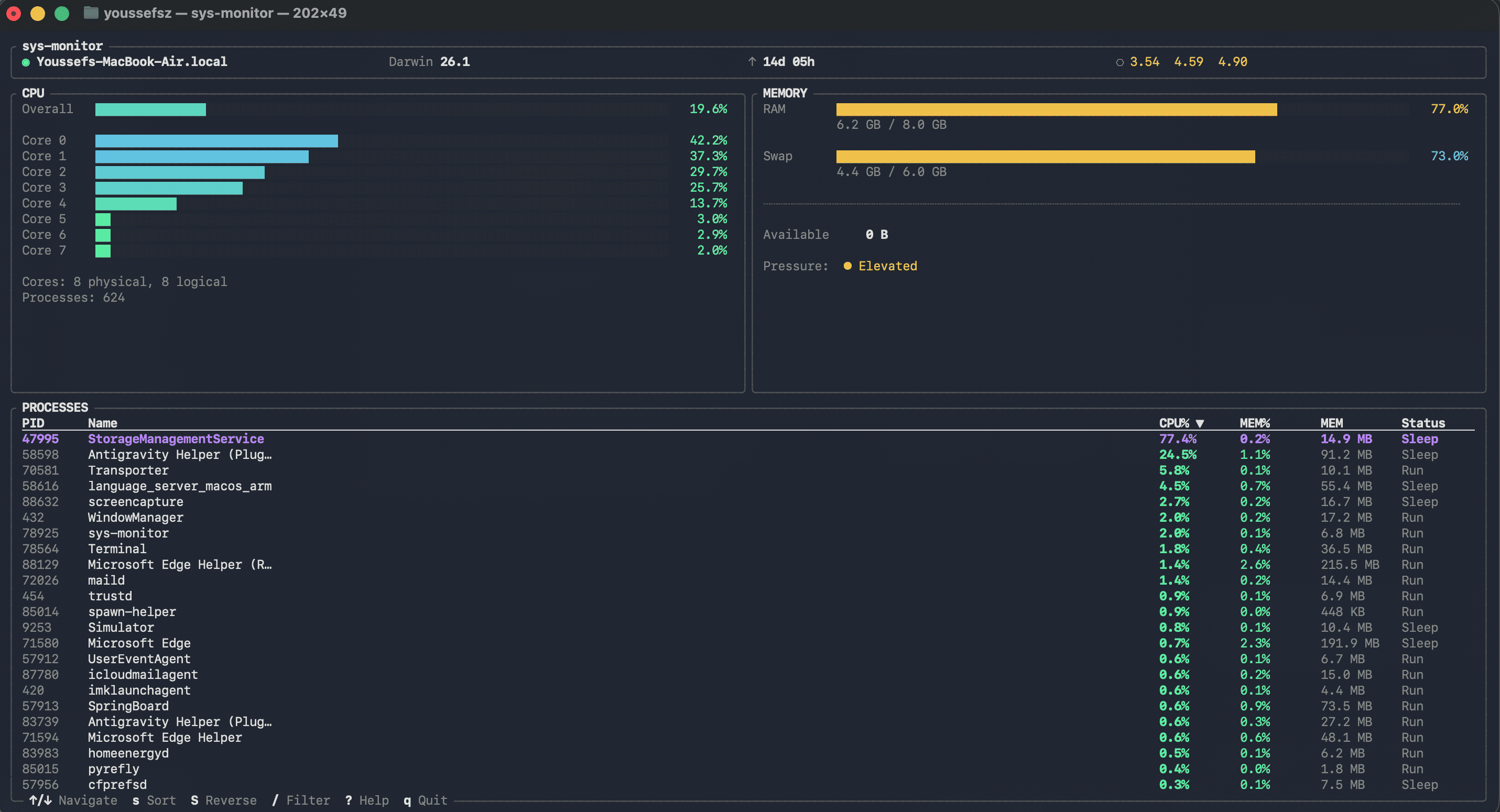
sys-monitor terminal preview

CPU Monitoring

Aggregate usage bar with optional per-core breakdown. Color-coded severity from idle to critical.

Memory Panel

RAM and swap usage with human-readable values. See exactly what is consuming your system memory.

Process Table

Top processes sorted by CPU or memory. Filterable by name. Keyboard-driven navigation and sorting.

Host Info

Hostname, OS version, uptime, and load averages at a glance. Always visible in the header bar.

Keyboard First

Full navigation without a mouse. Sort, filter, scroll, and quit from the keyboard. Press ? for help.

Built with Rust

Sub-millisecond render loop. Less than 15 MB memory footprint. Startup in under 200ms.